Taskara
Loved by our users

No more switching between apps.
Start living in one.

28 widgets across productivity, wellness, finance, and tracking. Arranged your way, on your terms.
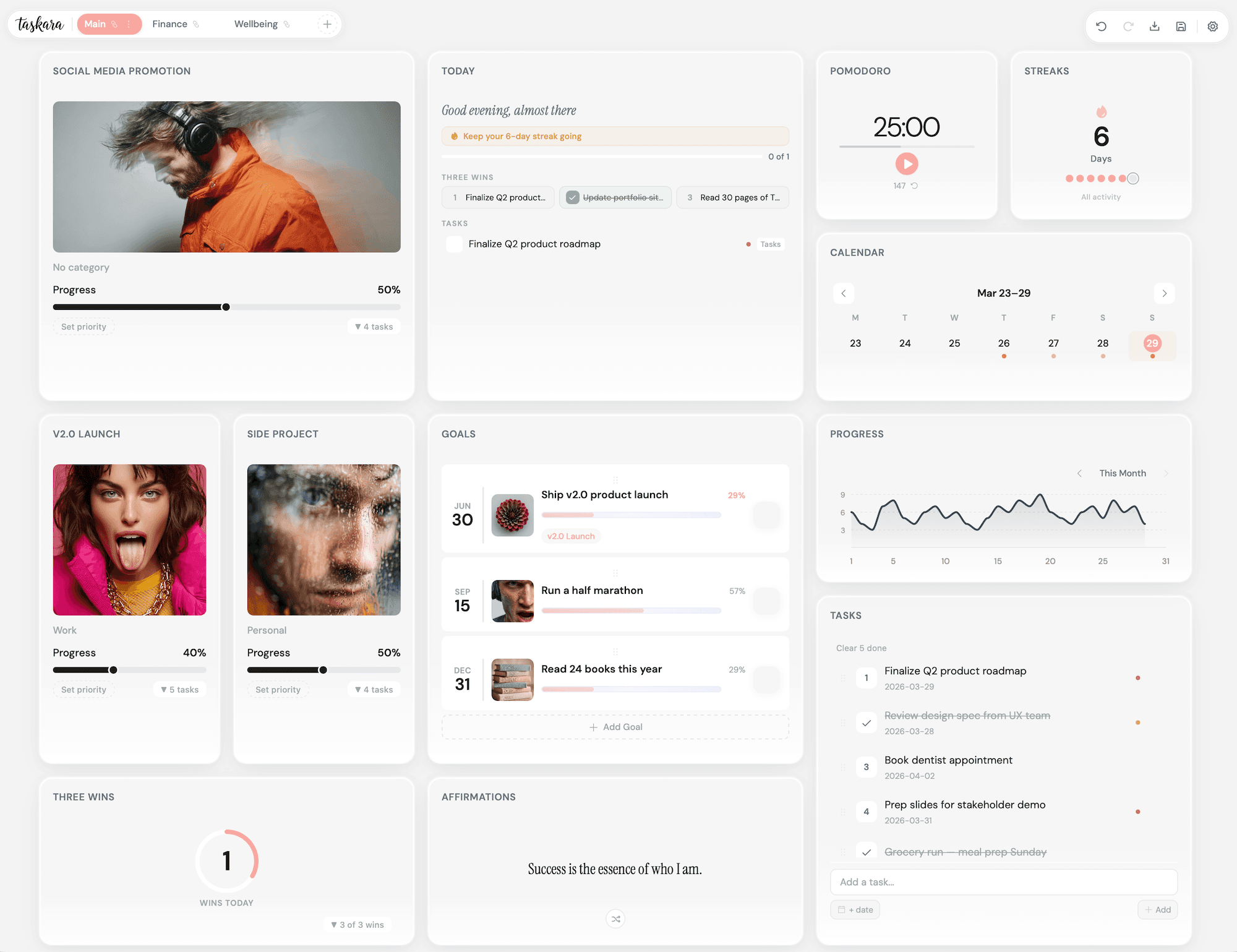
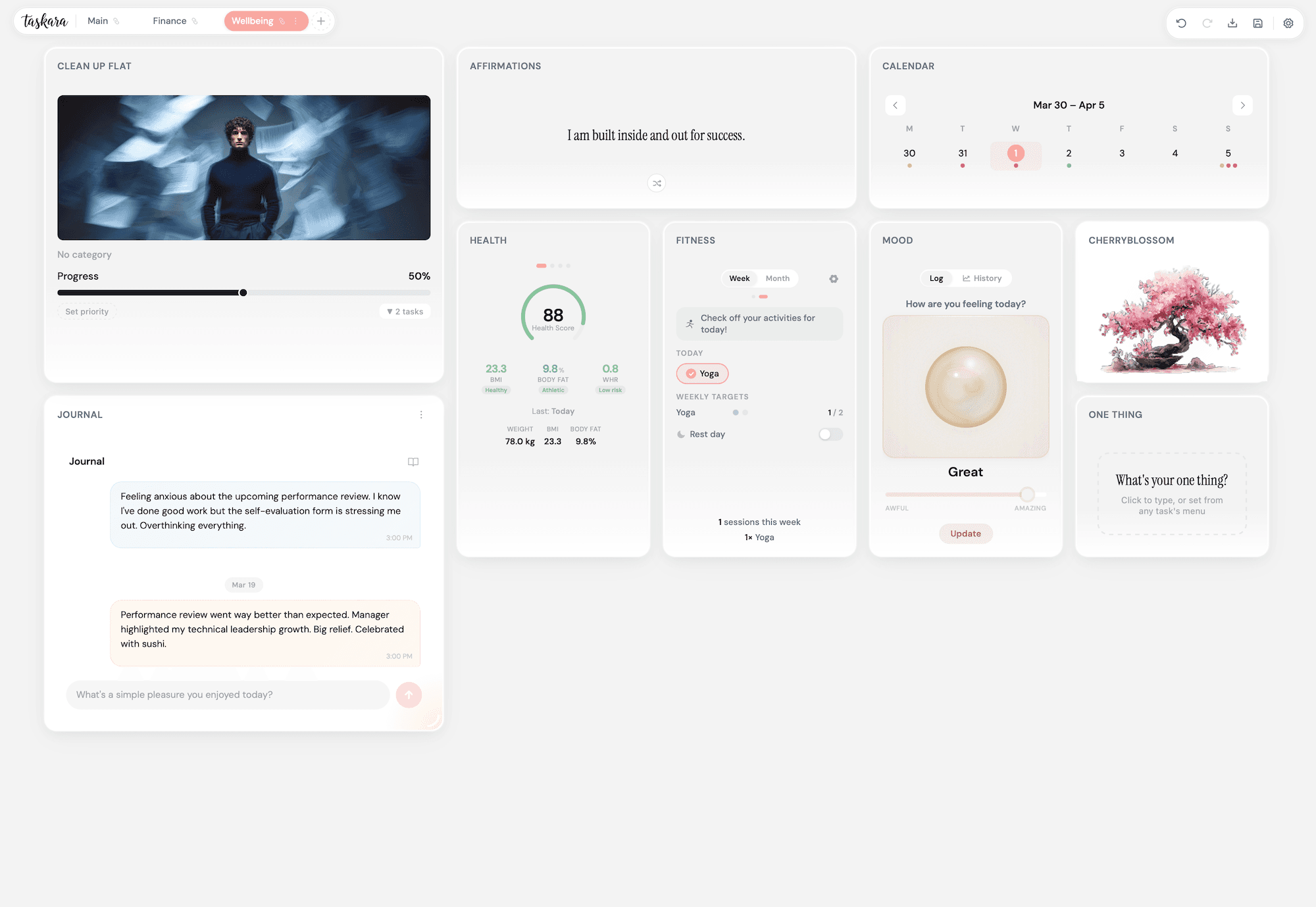
Taskara personal life dashboard showing productivity, wellness, finance, and tracking widgets arranged on a customizable grid
Taskara dashboard alternate view with detailed widget layouts
Taskara dashboard overview showing all available widgets and configurations

Every part of your life,
finally in sync.

Work, wellbeing, finances, and growth. Four areas that shape your days, each with its own set of purpose-built widgets.

Taskara productivity widgets — tasks, projects, Kanban board, goals, and Pomodoro timer on a dashboard

Productivity

No more scattered to-do lists and forgotten deadlines. Open your dashboard and know exactly what deserves your attention today. Tasks, projects, and goals in one calm view, with a focus timer for when you need to lock in.

TasksProjectsKanbanGoalsOne ThingThree WinsTodayNotesPomodoroHabits
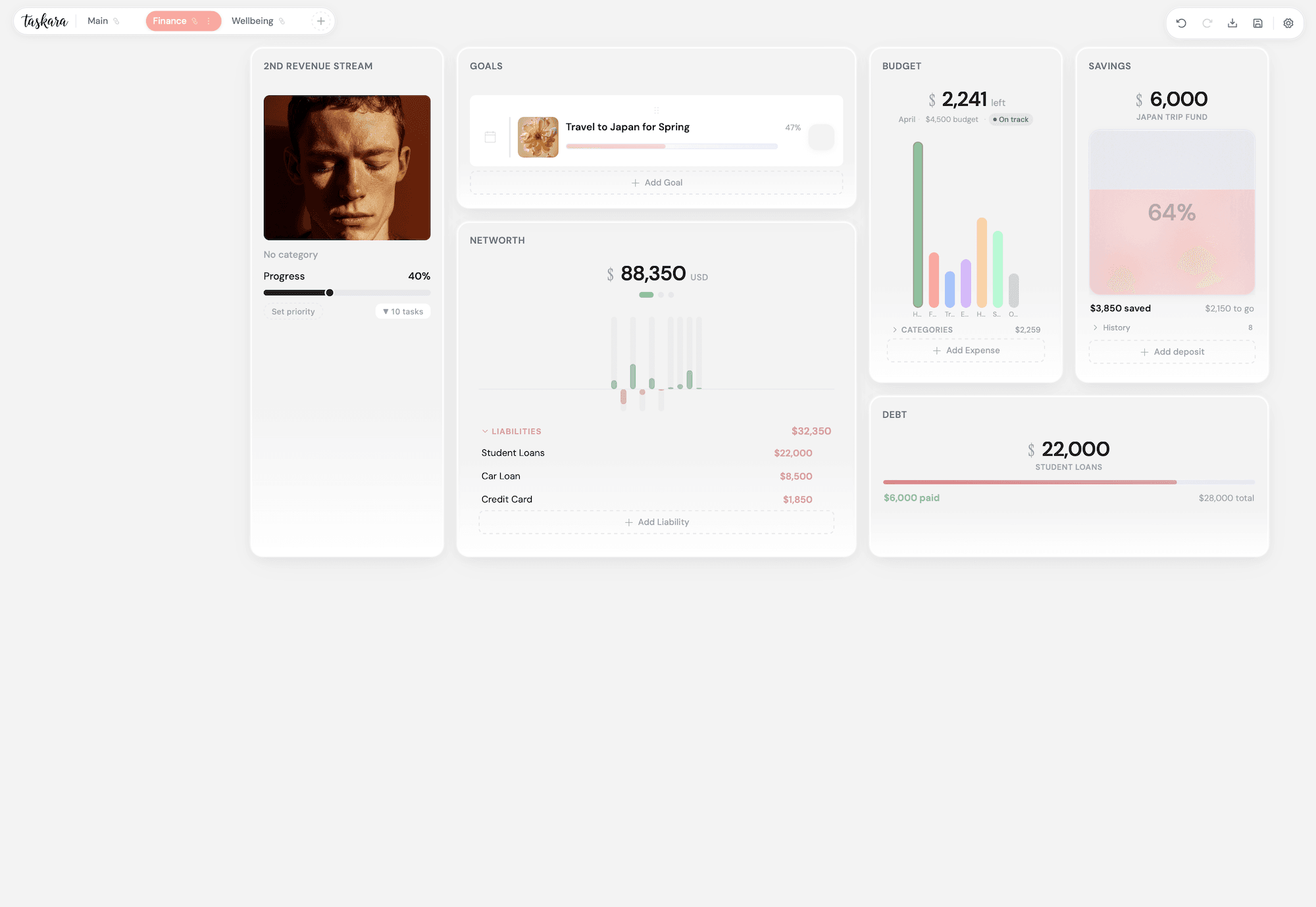
Taskara finance widgets — net worth tracker, budget categories, savings jars, and debt payoff chart

Finance

Your full financial picture, no spreadsheet required. See everything at a glance, watch your savings grow in real time, and feel the satisfaction of watching debt shrink to zero.

Net WorthBudgetSavingsDebtIncome
Taskara wellness widgets — mood orb, journal, fitness rings, health stats, and cherry blossom tree

Wellness

Turn "I should take better care of myself" into a daily ritual you look forward to. Track your mood, journal freely, log workouts, and watch a bonsai tree bloom as your healthy habits take root.

MoodJournalHealthFitnessAffirmationsCherry Blossom
Taskara tracking widgets — calendar, progress charts, streak tracker, and completion rate stats

Tracking

On the days you feel like you're not making progress, this is where you'll prove yourself wrong. Streaks, completion charts, habit history, and a full timeline of everything you've accomplished.

CalendarProgressStreaksTasks CompletedActive ProjectsCompletion RateHistory

Widgets that feel alive.

Savings jars that fill up, bonsai trees that bloom, mood orbs that shift with your day. Every widget is crafted to make checking in feel genuinely enjoyable.

Productivity

Today Widget

Open your laptop and know exactly what to focus on. Your priorities, schedule, and progress for the day, all in one calm view.

Productivity

Tasks

Capture everything from quick errands to complex projects. Set priorities, due dates, and repeating schedules so nothing falls through the cracks.

Productivity

Projects

Break big goals into smaller pieces with nested tasks and progress bars. See how far along you are at a glance.

Productivity

Kanban Board

Drag cards between columns to organise your workflow. Perfect for tracking ideas from "to do" to "done".

Productivity

Goals

Set meaningful goals with deadlines and milestones. Watch your progress bar fill up as you check things off.

Productivity

One Thing

Pick the single most important task for today. It sits front and centre so you never lose sight of what matters.

Productivity

Three Wins

Pick three tasks to win the day. Add new ones or assign existing tasks. It sits right between your One Thing and your full task list, keeping you focused on what really counts.

Productivity

Notes

A simple, distraction-free place to jot down thoughts, ideas, or meeting notes. Always right there on your dashboard.

Productivity

Pomodoro Timer

Focus in 25-minute bursts with built-in breaks. Great for getting through tasks you've been putting off.

Productivity

Habits

Turn "I should do that every day" into a streak you don't want to break. A visual dot trail shows your consistency building day by day, and a fire emoji when you're really on a roll.

Wellness

Mood Orb

A gentle daily check-in with yourself. The orb shifts colour based on how you're feeling, and over time you start to see patterns you'd never notice otherwise.

Wellness

Journal

Write freely in a chat-style journal with mood-tinted bubbles. Look back on past entries and spot what lifts you up or drags you down.

Wellness

Health

Log your body measurements and instantly see your health score, BMI, and body fat percentage. Watch your trends over time and finally understand what the numbers mean for you.

Wellness

Fitness Rings

Log your workouts, set weekly targets, and see your activity build up over time. A quiet nudge to keep moving.

Wellness

Affirmations

Start your day with a rotating positive affirmation. Add your own or use the built-in collection. Small words, big impact.

Wellness

Cherry Blossom

A little bonsai tree that blooms when you complete tasks. Skip a day and it gently withers. It's oddly motivating.

Finance

Net Worth

See your complete financial picture in one chart. Track assets and liabilities across multiple currencies and watch your net worth grow.

Finance

Budget

Set monthly budgets by category and see exactly where your money goes. No more wondering why your account looks lighter than expected.

Finance

Savings Jars

Set a savings goal and watch it fill up as you go. There's something genuinely satisfying about seeing your progress grow in real time.

Finance

Debt Tracker

Visualise your debt payoff journey. Watch the balance shrink and celebrate the moment you hit zero.

Finance

Income

Know exactly where your money comes from. Track every source, flag what's recurring or passive, and watch your monthly target fill up in real time.

Tracking

Calendar

Every deadline, goal, and scheduled task across all your widgets, unified into one view. No more checking three apps to figure out what's coming up.

Tracking

Progress Charts

Smooth trend lines showing your completion rate over time. A visual reminder that you're making more progress than you think.

Tracking

Streak Tracker

Keep showing up. A simple visual that helps you build consistency, one day at a time. Watch your longest streak grow.

Tracking

Tasks Completed

A simple stat card showing how many tasks you've knocked out. Sometimes you just need to see the number to feel good about your day.

Tracking

Active Projects

See how many projects you're currently juggling at a glance. Helps you decide whether to start something new or finish what's open.

Tracking

Completion Rate

Your overall task completion percentage. A quiet accountability partner that keeps you honest about follow-through.

Tracking

History

A timeline of everything you've done across all your widgets. See your activity patterns, revisit past entries, and appreciate how much ground you've covered.

/Why Taskara

(04)

You're spending $10 here, $15 there, just to keep using your own data. Taskara is a one-time purchase. No recurring fees, no price hikes, no "your trial has ended" pop-ups. Pay once and it's yours for life.

Taskara one-time purchase — no subscriptions, no recurring fees

You shouldn't need a YouTube course to manage your to-do list. Drag a widget, start typing, done. If you've ever used a calendar or a checklist, you already know how Taskara works. Most people have their dashboard set up in under five minutes.

Taskara intuitive drag-and-drop dashboard setup in under five minutes

Most productivity tools feel like homework. Taskara feels like something you want to open. Blooming bonsai trees, animated savings jars, flowing mood orbs. When your tools are beautiful, showing up stops being a chore.

Taskara beautiful widget animations — bonsai trees, savings jars, and mood orbs

No accounts, no servers, no tracking. Everything stays on your machine, encrypted. Want to sync across devices? Save your file to Dropbox or iCloud. Your data lives in a file you control, not locked inside someone else's cloud.

Taskara private local-first data — no accounts, no servers, fully encrypted

Your data stays yours.

Taskara keeps everything on your device. No accounts, no tracking, no servers. You can lock your data behind a password only you know, and if you want to sync between devices, just save your file to Dropbox, iCloud, or any cloud folder you already use.

No Accounts

Open the app and start. Nothing to sign up for.

No Telemetry

Zero tracking. Zero analytics. Zero data collection.

Sync Your Way

Save your file to Dropbox, iCloud, or any cloud folder to sync between devices.

How to start?

Three steps and you're up and running.

Download the App

Install Taskara on macOS, Windows, or Linux. No accounts, no sign-ups. Just open it and you're ready to go.

Choose Your Widgets

Pick the widgets that matter to you. Productivity, wellness, finance, tracking. Mix and match however you like.

Build Your Dashboard

Drag, resize, and arrange everything on a flexible grid. Make it yours. Create separate dashboards for work, life, or anything in between.

Real people. Real change.

They went from juggling apps and losing track, to one private dashboard that actually keeps them moving forward.

I used to bounce between Notion, a mood journal app, and a spreadsheet for my budget. Now I open Taskara once in the morning and everything I need is right there. I genuinely look forward to my morning check-in.

Sarah M.

Product Designer

Free gets you started.
Premium gets you there.

The free version is a real dashboard, not a trial. Premium unlocks wellness, finance, and the freedom to build without limits.

Free

Everything you need to get started

  • 12 fully functional widgets
  • Task management, projects & Kanban
  • Goals, Pomodoro timer & notes
  • Calendar, progress charts & streaks
  • 3 at-a-glance stat cards
  • 1 dashboard, up to 8 active widgets (12 types available)
  • Password-protected encryption & lock screen
  • Dark mode & 8 accent presets
  • JSON import & export
  • Undo/redo everything
  • All keyboard shortcuts
POPULAR

Premium

Your entire life, one dashboard

  • Everything in Free, plus:
  • 16 additional premium widgets
  • Today, One Thing & Three Wins
  • Net Worth, Budget, Savings, Debt & Income
  • Mood, Journal, Health & Fitness
  • Habits tracker with streaks
  • Affirmations & Cherry Blossom
  • Unlimited dashboards
  • Unlimited widgets per dashboard
  • XLSX & PDF exports with date ranges
  • Auto-save to file
  • Preset dashboard layouts
  • Custom hex accent colours
  • Access to new widgets

Free BONUS Items

Every purchase includes extras designed to help you build momentum from day one and make your dashboard feel like home.
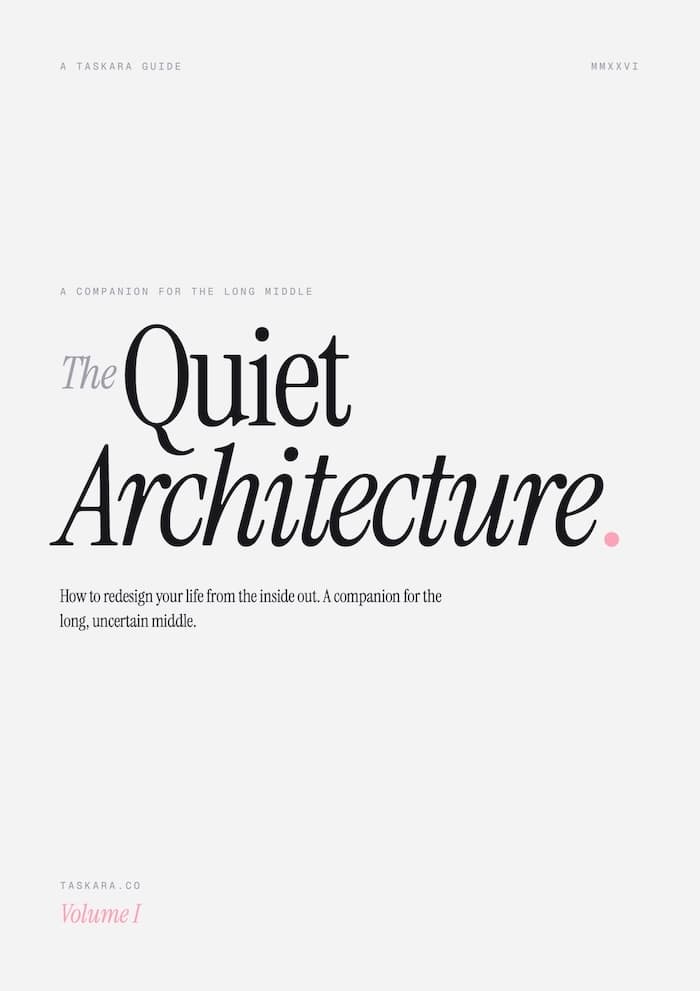
The Quiet Architecture — A Taskara productivity guide, cover
The Quiet Architecture
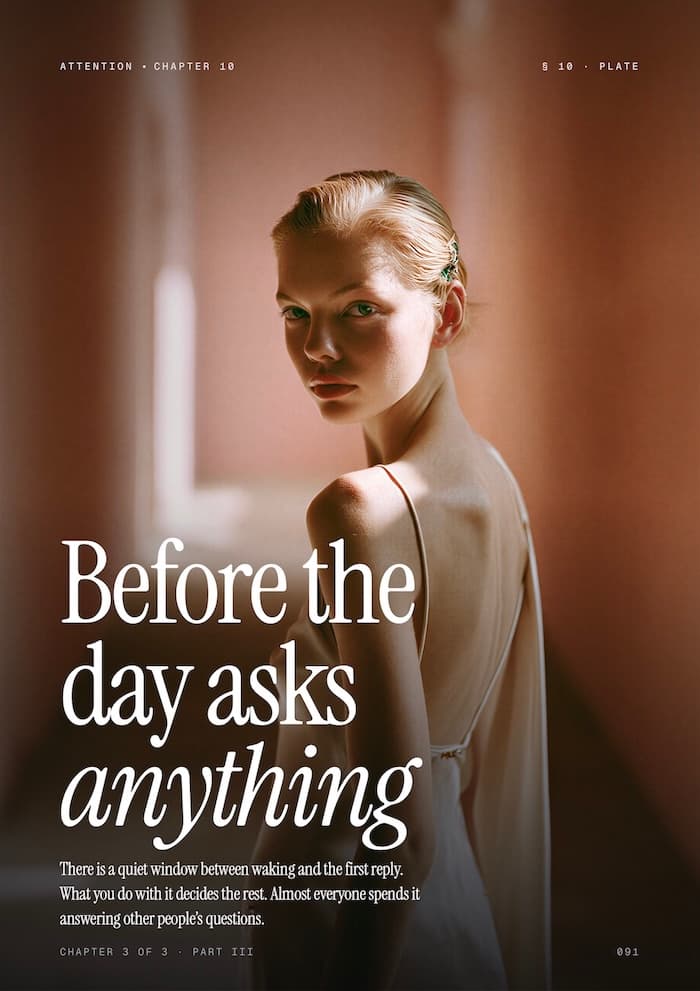
Quiet Architecture guide page — Before the day asks anything
The Quiet Architecture
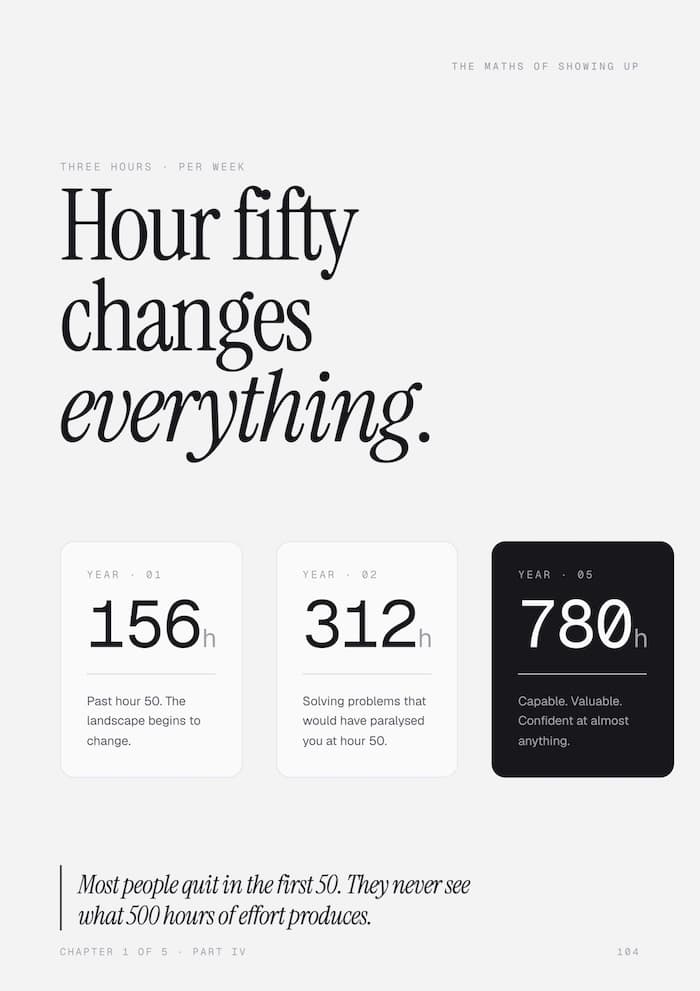
Quiet Architecture guide page — Hour fifty changes everything
The Quiet Architecture
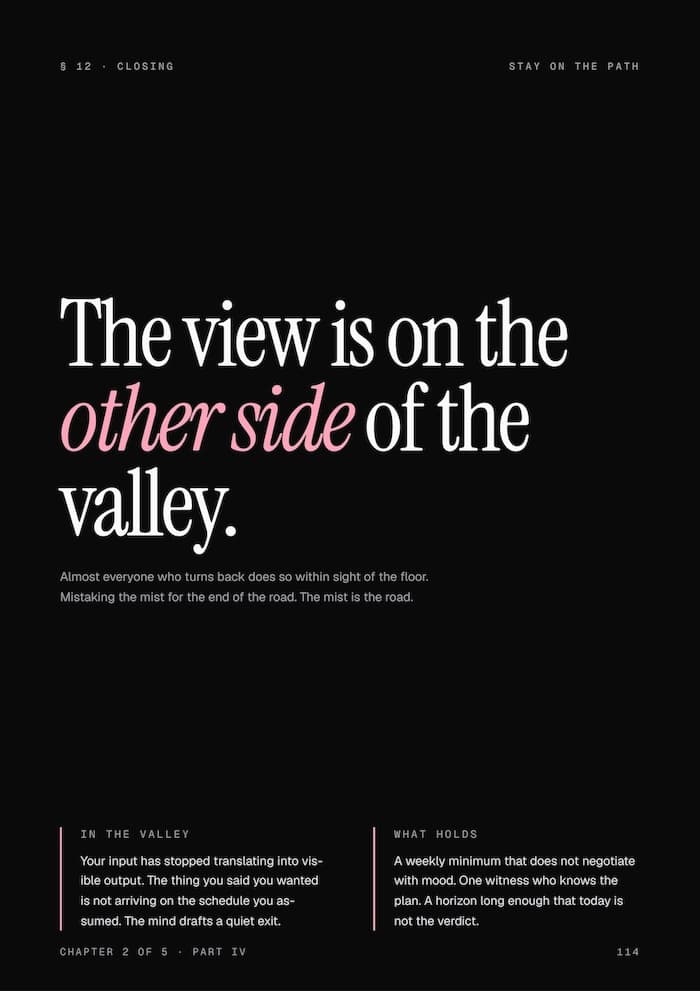
Quiet Architecture guide page — The view is on the other side of the valley
The Quiet Architecture
Quiet Architecture guide page — The line that makes a day enough
The Quiet Architecture
Quiet Architecture guide page — The wins no one celebrates
The Quiet Architecture
Quiet Architecture guide page — Winning the inner battle
The Quiet Architecture
Quiet Architecture guide page — A morning where the war inside is quiet
The Quiet Architecture
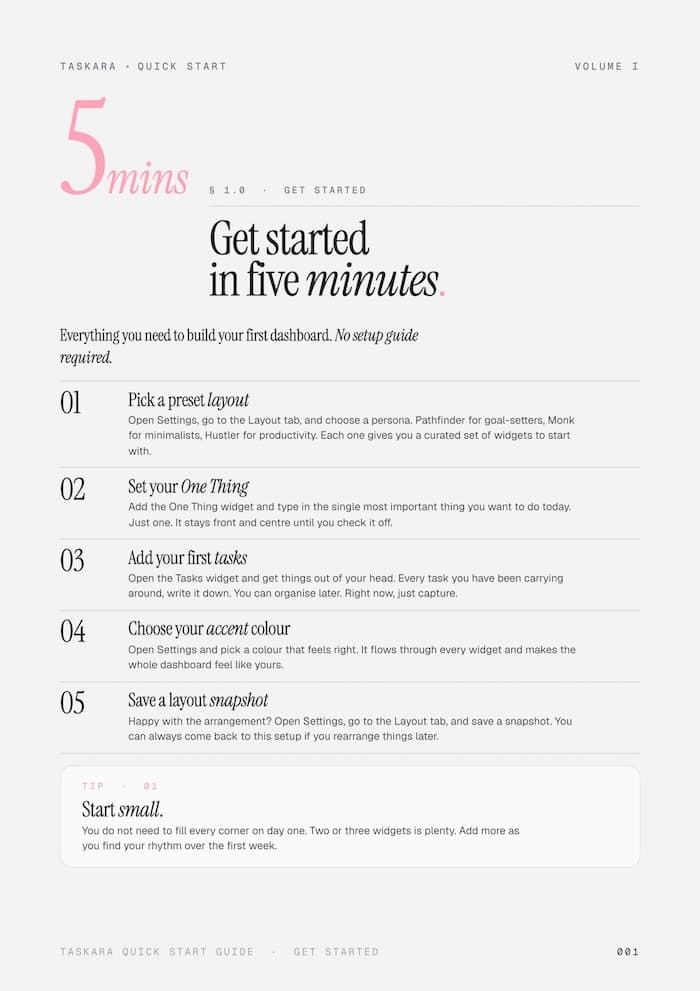
Taskara Quick Start Guide — get started in five minutes
Quick Start Guide
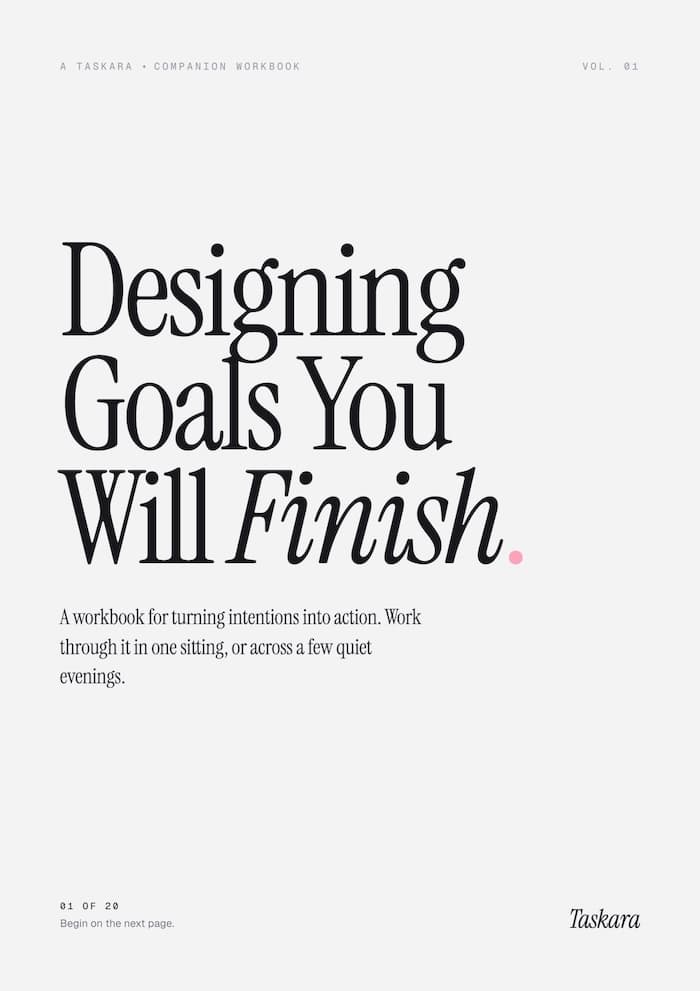
Designing Goals You Will Finish — a Taskara companion workbook, cover
Designing Goals

The Quiet Architecture

192 beautifully designed pages on why you procrastinate and how to break the cycle. Practical strategies for building momentum without burning out.

Designing Goals You Will Finish

A workbook for turning intentions into action. Available as both an interactive HTML version and a printable one.

Quick Start Guide

Go from first open to a fully configured dashboard in under five minutes. No guesswork, just follow the steps.

7-Day Email Course

One lesson a day for seven days, delivered to your inbox. Covers dashboard setup, habit design, goal frameworks, and how to build a system that actually sticks.

Simple pricing.

Start free. Upgrade whenever you're ready.

Free

$0/forever

A real dashboard with 12 widgets.
Fully encrypted. No account needed.

Free forever. No account needed.

BEST VALUE

Premium

$97/one-time

All 28 widgets. Unlimited dashboards.
One payment, yours forever.

Get Premium

One-time purchase. No subscription.

Total value

28 Premium Widgets$79
Unlimited Dashboards & Exports$29
3 Device Activations$27
Productivity Guide$47
Quick Start Guide$9
7-Day Email Course$9
Total$200

Yours for just $97

One-time payment. No subscription. Free updates forever.

100%Money-Back Guarantee

No risk. Just results.

Upgrade when you're ready, not when we tell you to.

30 days to decide. If it doesn't click, one email and you're refunded, no forms, no questions.

Your data stays yours either way. Free version never expires, and you can upgrade again whenever it makes sense.

We built Taskara because we use it every day. We're confident you will too.

Taskara dashboard with widgets for tasks, goals, mood tracking, and finances — your entire life in one view

Your life is complex.
Your dashboard shouldn't be.

One private, beautiful space for work, play, and everything in between. Download it now and see the difference by tomorrow morning.

Also available for . Free to download.

Frequently asked questions.

Everything you need to know about Taskara.

Yes! The free version includes 12 fully functional widgets covering tasks, projects, goals, a Pomodoro timer, calendar, progress charts, streaks, notes, and stat cards. You can use one dashboard with up to 8 active widgets. No time limits, no ads, no account needed.

Everything lives on your device. There are no servers and no accounts. You can lock your data behind a password only you know, and it's encrypted with AES-256-GCM so it's properly secure. If you want to access your dashboard on multiple devices, just save the file to a cloud folder like Dropbox or iCloud.

Yes. Taskara saves your data as a simple file. Save it to Dropbox, iCloud, Google Drive, or any cloud folder and it stays in sync across your Mac, PC, or Linux machine. No special setup needed.

Taskara runs on macOS, Windows, and Linux. It's a lightweight desktop app that works offline and doesn't need an internet connection.

Premium turns Taskara into a complete life dashboard. You get the daily focus trio (Today, One Thing, Three Wins), a streak-based habit tracker, a full finance suite for budgets, savings, and debt, a wellness suite with mood tracking, journaling, health scores, and fitness rings, plus the Cherry Blossom tree. You also unlock unlimited dashboards, spreadsheet and PDF exports, auto-save, preset layouts, and custom accent colours.

Absolutely. Free users can export and import their full dashboard as a file at any time. Premium users also get spreadsheet exports and formatted PDF reports with custom date ranges.

Nope. Zero tracking, zero analytics, zero data collection. Taskara doesn't phone home and doesn't send crash reports. The only time it touches the internet is to check for new versions so you can update straight from the app. Your usage is completely private.

Your data becomes permanently inaccessible. There's no password recovery, no master key, and no backdoor. That's by design. Taskara uses AES-256-GCM encryption, which means your data is truly locked down, and nobody (not even us) can access it.

That's exactly what it's built for. With Premium, you can create separate dashboards for work, personal, finance, fitness, or whatever you need. Each one has its own layout and widgets. Free users get one dashboard that can mix any of the 12 free widgets.